
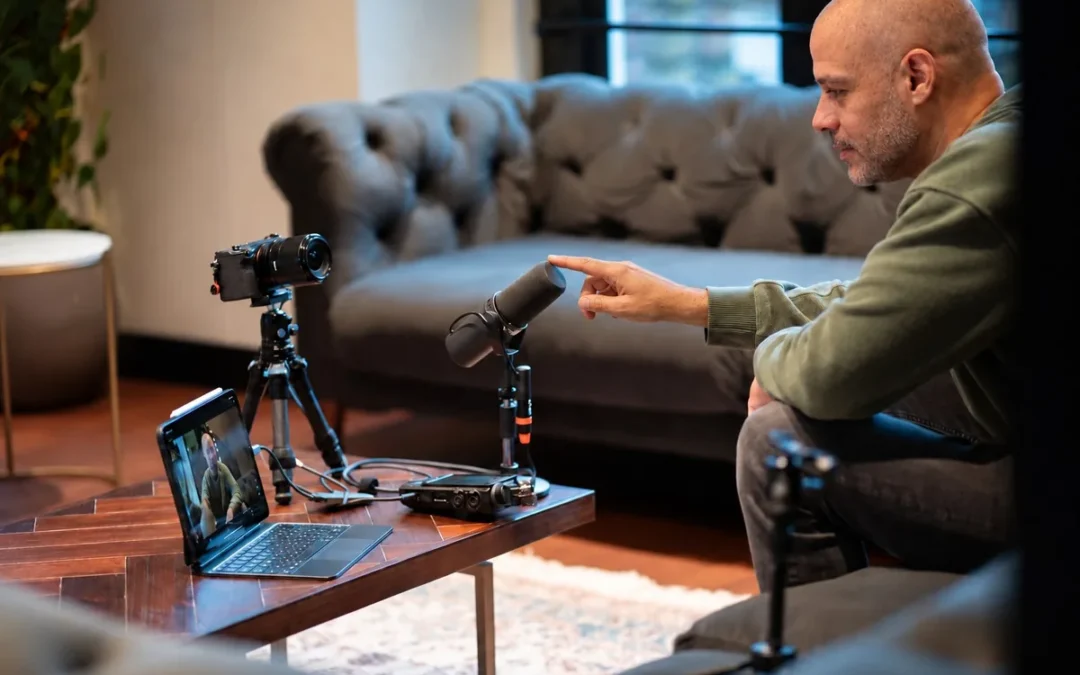
Faceless YouTube affiliate marketing lets creators recommend products without appearing on camera. The business still depends on useful research, honest recommendations, and viewer trust. This seven-step guide explains how to choose a niche, make videos, build a helpful companion tool, and disclose affiliate links.
Important: Affiliate commissions may provide income separately from YouTube ad revenue and YouTube Partner Program eligibility. Affiliate links do not bypass YouTube policies or guarantee sales or income. Check current platform rules and affiliate-program terms before publishing.
What is faceless YouTube affiliate marketing?
A faceless channel creates videos without showing the creator on camera. The creator can narrate with their own voice and use product demonstrations, diagrams, comparison graphics, or licensed footage. Affiliate marketing means the creator may earn a commission when a viewer buys through a tracked link. The creator should clearly explain that relationship.
AI tools can help plan and produce content, but the creator remains responsible for checking facts, rights, and recommendations. If you want to learn more about generative AI, explore WackyCoder’s Generative A.I. lessons.
Seven steps for faceless YouTube affiliate marketing
1. Choose a buyer-focused niche
Pick a specific audience with a real question or problem. Examples include standing desks for shorter users, beginner espresso machines, or microphones for online teachers. A focused topic helps you make useful comparisons and select products that fit the viewer’s needs.
Look for a niche where you can also create a practical resource, such as a checklist, quiz, or calculator. The resource should help visitors make a decision even if they do not buy a product.
2. Set up an AI workspace
The video describes using ChatGPT with GPT-6 Astra and a medium reasoning-effort setting. Model access, plan requirements, and setting names can change, so check the current model picker and official help information. Use AI to brainstorm, organize research, and draft. You—not the AI—are responsible for the final claims.
3. Write an honest video script
Ask the AI to explain the viewer’s problem, outline the main buying criteria, and compare a few suitable products. For each pick, explain who it suits, who should skip it, and what evidence supports the recommendation. Request a natural, conversational script and rewrite it in your own voice.
Before recording, verify product specifications, current prices, availability, and claims with reliable sources. Do not imply that you personally tested a product if you did not. If a recommendation is based on published reviews or specifications, say so plainly.
4. Record the narration
Record your own voice if you are comfortable doing so. A clear voiceover gives the video a human point of view while you remain off camera. Record in a quiet room, speak at a steady pace, and re-record unclear passages. If you use a synthetic voice, review YouTube’s current rules for altered or synthetic content.
5. Match visuals to the narration
Put the finished voice track on the editing timeline first. Then add visuals that support each point: product details, comparison cards, simple diagrams, demonstrations, or properly licensed stock footage. Keep the visual style consistent and avoid footage that could mislead viewers about what you personally tested.
The video mentions Higgsfield and CapCut. Their features and integrations can change. Confirm that a tool is available and that you have rights to use its output. If automatic scene matching is unavailable, ask AI to draft a scene list and place the visuals yourself.
6. Build a useful companion tool
Create a small website resource that helps viewers make the decision covered in your video. A quiz could narrow choices by budget and needs; a calculator could compare total costs. Explain how the results are produced and let visitors review the options.
Clearly label affiliate links near the recommendations. Avoid collecting personal information unless it is necessary and you explain how it will be used. A companion tool should be helpful even when a visitor does not click a purchase link.
7. Publish, disclose, and test
Choose the video format that best serves the topic. YouTube currently requires Advanced Features access for clickable external links in long-form descriptions. Check eligibility in YouTube Studio, then test each link after publishing. Review YouTube’s current link-sharing guidance.
Place a clear affiliate disclosure beside the links and, when appropriate, say it in the video. For example: “If you buy through links in this description, I may earn a commission at no extra cost to you.” Make sure the wording accurately describes your arrangement. Also review YouTube’s paid-promotion guidance and the FTC endorsement guidance.
A simple first project
- Choose one audience and one buying question.
- Research a few options using current, reliable sources.
- Write and fact-check a short comparison script.
- Record a clear narration and build the video around it.
- Create one companion checklist, quiz, or calculator.
- Add relevant affiliate links with clear disclosures.
- Test the links and use viewer questions to improve the next video.
Frequently asked questions
Can affiliate marketing earn money before YouTube ad monetization?
Affiliate programs may pay commissions independently of YouTube ad revenue eligibility, but approval, commissions, and earnings depend on the affiliate program, viewer actions, and applicable rules. There is no guaranteed income.
Does a faceless channel have to use an AI voice?
No. A creator can narrate with their own voice without appearing on camera. The video’s voiceover can be paired with demonstrations, graphics, or properly licensed footage.
Do I need to disclose affiliate links?
Yes. Clearly tell viewers when you may earn a commission. Put the disclosure where viewers can notice it, close to the recommendation or link, and use any platform disclosure controls that apply.
For WackyCoder’s technology instruction and services, visit the Services page. The best version of this strategy is a trustworthy information business: helpful videos, a practical companion resource, and transparent recommendations. AI can speed up production, but it cannot replace verification or audience trust.